⭐ TOP DEFENCE COACHING
Master Your Exams with the
Army Study App
Experience India’s leading defence education platform. Unlock live interactive sessions and exam-wise PDFs designed to provide targeted study materials that guarantee success.
 Indian Army
 Indian Airforce
 SSC-GD
 Delhi Police
 RPF Exams
 Indian Navy
How to Join Army Study
Get started with your preparation in 3 simple steps.
1. Download App
Android: Get it from the Play Store.
PC: Download the Windows installer.
iOS: Install the “My Coaching” app.
2. Select & Purchase
Register your basic details, go to the Buy Course section, and purchase your plan.
3. Start Learning
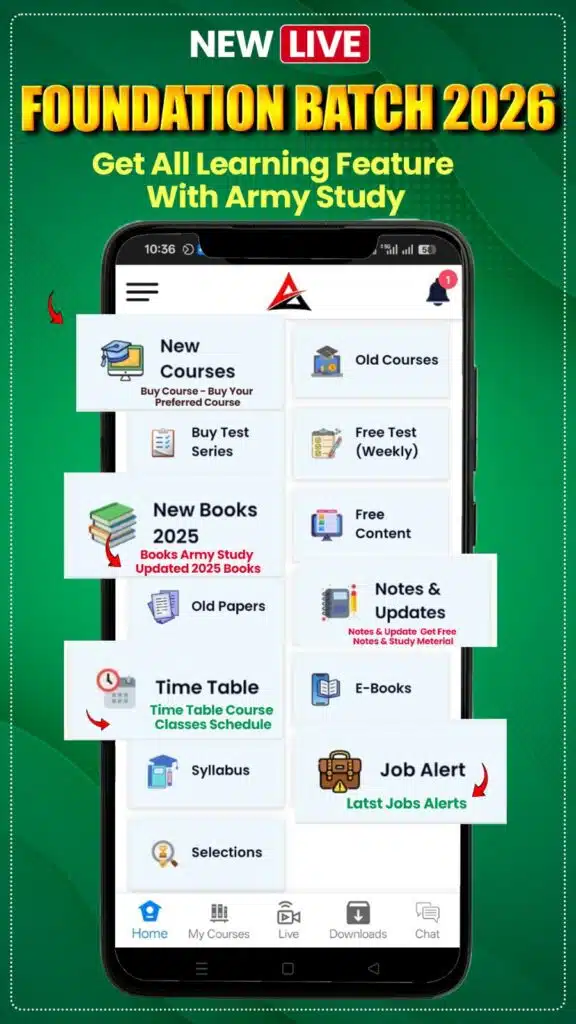
Visit your ‘My Course’ dashboard. You can now access all premium content and learn.
Detailed Installation Guide
📱
Android Users
- ✓ Open Play Store: Locate and tap the Google Play Store on your device.
- ✓ Search: Type “Army Study App” in the top search bar.
- ✓ Install: Find the official app and tap the “Install” button.
💻
Windows/PC Users
- ✓ Visit Website: Go to armystudy.in on your web browser.
- ✓ Download: Click the “Download for Windows” button.
- ✓ Install: Double-click the .exe file and follow instructions.
🍎
iOS/iPhone Users
- ✓ App Store: Open the App Store and search for “My Coaching”.
- ✓ Download: Tap “Get” to install the app.
When opening the app, use Organization ID:
0929225